

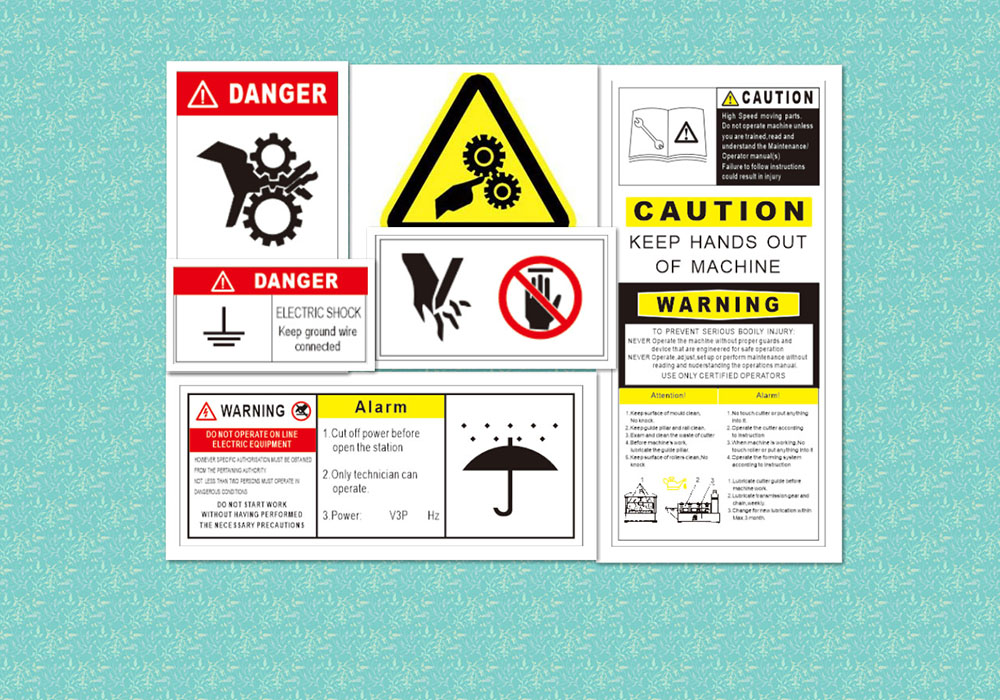
Warnings are everywhere. Phones flash permission prompts, browsers flag suspicious pages, and apps throw pop-ups that demand a decision. Yet these messages often fail in the moments they are most needed. When attention is close, the mind becomes goal-focused. The user is trying to get somewhere, see something, or finish an action before the moment passes. In that state, reading is replaced by scanning, and caution is replaced by momentum. This is why searches that lead to a play desi app or any other time-sensitive destination can turn warnings into background noise. The brain is not looking for risk. It is looking for access.
This is not a problem of intelligence. It is a predictable outcome of how humans process information under urgency. High-interest environments create tunnel vision. They also create repetition. When people see the same style of warning again and again, they learn to dismiss it as part of the path.
Attention overload and the collapse of caution
When time feels tight, people don’t weigh options the same way. The brain leans toward speed and filters out anything that seems nonessential. Most warnings are presented as something that can be dismissed, so they end up competing for attention, patience, and careful thought. Those are exactly the things in short supply during urgent moments.
Pressure also creates tunnel vision. Rather than reading details, eyes lock onto the fastest path forward, which is usually a big button. “Allow,” “Continue,” and “Install” pull focus, while the explanatory text fades into the background.
When the moment feels important, tolerance for friction drops. Any interruption is seen as an annoyance instead of a protective step. That’s why even cautious users slip during high-excitement situations. The mind isn’t analyzing. It’s trying to complete the action.
And even if the warning is understood, the mental math changes. Immediate access feels valuable right now, while the downside feels vague and far away. In that split second, the goal wins.
Why warning messages fail at the design level
Many warnings fail because they look like everything else. Mobile interfaces are crowded. Notifications, cookie banners, promotional pop-ups, and permission prompts compete for the same attention. Over time, this produces banner blindness. The user’s eyes stop treating overlays as meaningful signals. Overlays become part of the landscape.
Design also shapes trust. Familiar layouts can neutralize danger signals. If a warning appears inside an interface that looks branded, polished, and normal, the user assumes it is routine. The warning may even be interpreted as a formality rather than a red flag.
Another problem is visual overload. Some warnings cram too much text into a small space. On a phone screen, dense paragraphs are skipped. The message may be accurate and well-written, but the format encourages dismissal. A warning that cannot be processed in seconds competes poorly against a single bright button.
Placement matters too. Warnings often appear at the worst time, when the user’s finger is already moving. If the prompt interrupts a flow mid-tap, it triggers irritation. Irritation makes dismissing the warning feel satisfying. The interface has accidentally rewarded unsafe behavior with relief.
The psychology behind ignoring alerts
Repeated exposure trains the brain to conserve effort. When a warning appears, and nothing bad happens afterward, the mind stores that outcome. The next time a similar warning appears, it is treated as harmless. This is habituation, and it is one of the strongest forces working against safety prompts.
Trust transfer is another factor. Users often trust an interface more than they trust a message. If the surrounding experience feels legitimate, the warning feels like a technical nuisance rather than a meaningful signal. People rarely evaluate the warning in isolation. They evaluate it through the lens of the moment.
High-attention environments also create a “just this once” mindset. The user believes the action is temporary. That belief reduces caution. The problem is that many risks are not temporary. A single permission grant, a single install, or a single credential entry can have lasting consequences.
Warning fatigue is intensified by poor warning quality across the ecosystem. Many prompts are vague, repetitive, or inflated. When everything is labeled dangerous, nothing feels dangerous.
A few predictable triggers make alerts easier to ignore
- A familiar layout that suggests legitimacy.
- A time-sensitive goal that makes hesitation feel costly.
- Repetition of similar warnings without immediate consequences.
- Dense text that feels impossible to read on a small screen.
- Buttons that dominate the visual hierarchy.
- A pop-up that resembles ads or cookie banners.
These triggers are not rare. They are common in modern mobile use, which is why warning failure is common too.
Live environments where warnings lose power
Live environments are uniquely hostile to warnings. They encourage partial attention. People watch, chat, search, and switch apps in rapid cycles. In that context, warnings appear as interruptions to a fast-moving stream rather than as necessary checkpoints.
Second-screen behavior makes the problem worse. When content is followed alongside messages or social feeds, attention is fragmented. Fragmented attention reduces comprehension. The warning is seen, but not fully processed.
Speed also becomes a stand-in for safety. When content loads instantly, people assume it is trustworthy. When something loads slowly and asks for permissions, the mind interprets it as a normal step. This creates a dangerous inversion. Smooth experiences feel safe. Friction feels normal. In reality, some of the riskiest moments are presented smoothly, and some of the safest moments include deliberate friction.
Live contexts also encourage risky shortcuts. Users click the first result, accept the first prompt, and move forward because the goal is to stay in sync with the moment. That motivation is powerful. It can override habits that usually protect users.
What actually works better than warnings
If warnings fail under close attention, platforms need stronger tools than text overlays. The most effective protection is structural friction, not louder messaging. Structural friction changes what is possible, not what is suggested.
One method is reducing choice. When a platform offers a web-first experience that works without downloads or deep permissions, the user does not face risky decisions in the first place. Another method is timing. Warnings work better before the user is fully committed, not after momentum has built.
Clear design hierarchies help as well. If a safe option is presented as the default path, many users will take it without thinking. Safe design does not rely on the user making the perfect decision under pressure. It makes the safer decision easier.
Better warnings are also more specific. Vague messages blend into noise. Specific messages that explain the real consequences in plain terms perform better because they feel connected to the user’s goal.
Most importantly, safer behavior is encouraged when platforms remove unnecessary prompts. Every extra alert trains users to dismiss alerts. Fewer prompts, used only when they matter, preserve attention for the moments that truly require it.
Close attention is not the enemy. It is a predictable state. Systems that respect that state design for behavior, not for ideal decision-making. That is how safety improves when urgency is at its peak.
